 Sea Tech

APK Studio
If You Can Build a Web Page, You Can Build an Android App.
APK Studio is an easy-to-use Android development and packaging platform for HTML, CSS, and JavaScript developers.
No Android Studio. No Gradle configuration. No complicated plugin setup.
Build your application with the web technologies you already know, access powerful native Android features directly from JavaScript, and package your project into an Android app with APK Studio.
Android Development Made Simple
APK Studio hides the complexity of native Android development behind a simple development environment.
You focus on:
HTML + CSS + JavaScript
APK Studio handles the Android side.
324+ Built-in Native APIs
APK Studio currently provides 324+ built-in Android Native APIs, with more being added continuously.
Access powerful Android capabilities directly from JavaScript, including:
NFC, IsoDep, APDU, MIFARE Classic and HCE
Classic Bluetooth
BLE scanning, connections, GATT and notifications
Camera, audio, video and media
GPS, location and maps
Sensors such as accelerometer and gyroscope
Local files and Android SAF
SQLite databases
Native HTTP, uploads and downloads
Android Keystore, AES and digital signatures
Notifications and scheduled tasks
WebView and printing
Device and system features
Android permission management
No need to search for, install, configure or maintain dozens of third-party plugins.
Ready Out of the Box
Traditional hybrid Android development may require Node.js, npm, Android Studio, Android SDK, Gradle and multiple plugins.
APK Studio takes a different approach:
Install → Add Your HTML Project → Configure → Build
The complicated Android toolchain stays behind the scenes.
Two-Level Update System
APK Studio provides two independent ways to keep your applications up to date.
Automatic APK Updates
When native Android functionality changes, your application can detect and install a new APK version.
Independent Web/UI Updates
When only your HTML, CSS, JavaScript, images or business logic changes, update the Web/UI resources independently without replacing the entire APK.
This makes APK Studio ideal for applications that require frequent updates and long-term maintenance.
Local Development. Your Code Stays with You.
Build your applications locally without uploading your HTML source code to a third-party cloud service.
Your projects stay on your computer, giving you greater privacy, faster iteration and full control over your development workflow.
Who Is APK Studio For?
APK Studio is designed for anyone who knows HTML, CSS or JavaScript and wants to build Android applications without becoming an Android native developer.
It is especially suitable for web developers, independent developers, internal business apps, industrial applications, Bluetooth/BLE solutions, NFC applications, data collection systems, offline apps and rapid Android application development.
The Idea Is Simple
If you can build a web page, you can build an Android app.
APK Studio — You build with HTML, CSS and JavaScript. We handle the Android complexity.
Key features
Build Android Apps with HTML / CSS / JavaScript
APK_Studio is designed for people familiar with web development but new to native Android development. Use your existing: HTML + CSS + JavaScript to build Android apps and generate APKs. No need to learn Java/Kotlin or master the complex native Android development stack. Core idea: If you can build with HTML, you can build an Android app.
Ready Out of the Box—No Complex Android Development Environment
APK_Studio packages the complex technologies needed for Android development and building inside the software. You do not need to deal with: Android Studio Gradle Node.js / npm Cordova / Capacitor CLI Native plugin installation Java / Kotlin native code Plugin versions and dependency configuration Import an HTML project, complete the app configuration, and build an Android APK directly.
320+ Android Native JS Bridge APIs
JavaScript can directly access native Android features through a unified JS Bridge. This lets HTML apps go beyond simple WebView pages to access real Android system and hardware capabilities.
Automatic APK Updates
Built apps can be configured for automatic updates. When a new version is released, the app can automatically detect the new APK and complete the update.
Independent Web / UI Updates
HTML, CSS, JavaScript, images, and other web resources can be updated independently. When you change only the interface or business logic, you can update the app’s Web/UI content without replacing the entire APK.
Local Development—No Source Upload Required
Projects are built and packaged on your local computer, without uploading HTML, JavaScript, or other project source code to third-party cloud services. Faster and more secure, especially for internal, industrial, and private projects.
Encrypted Web Source Protection
APK Studio can store HTML, CSS, JavaScript, and other web-project resources packaged into an APK in encrypted form, preventing source code from being directly stored as plain text in the APK. At runtime, APK Studio’s environment accesses and loads the encrypted resources, with no changes required to the existing HTML/JavaScript project.
Automatic Permission Requests
Required Android permissions, such as camera access, are requested automatically by the system—no complicated steps required.
打包完成,自动二维码下载安装
apk打包完成后,可以自动生成下载二维码,手机直接扫描二维码即可将打包好的apk安装到手机上(可以使用浏览器扫描或者APK_Studio工具提供的“海纳 apk 辅助安装工具”扫描安装(推荐))
打包并安装好的程序支持 UI 热调试
手机上长按图标显示菜单“扫码 UI 调试”,点击后扫描APK_Studio提供的“手机 UI 热调试”功能二维码,即可实现电脑上编辑UI,手机即可显示,无需再次打包apk。
Screenshots
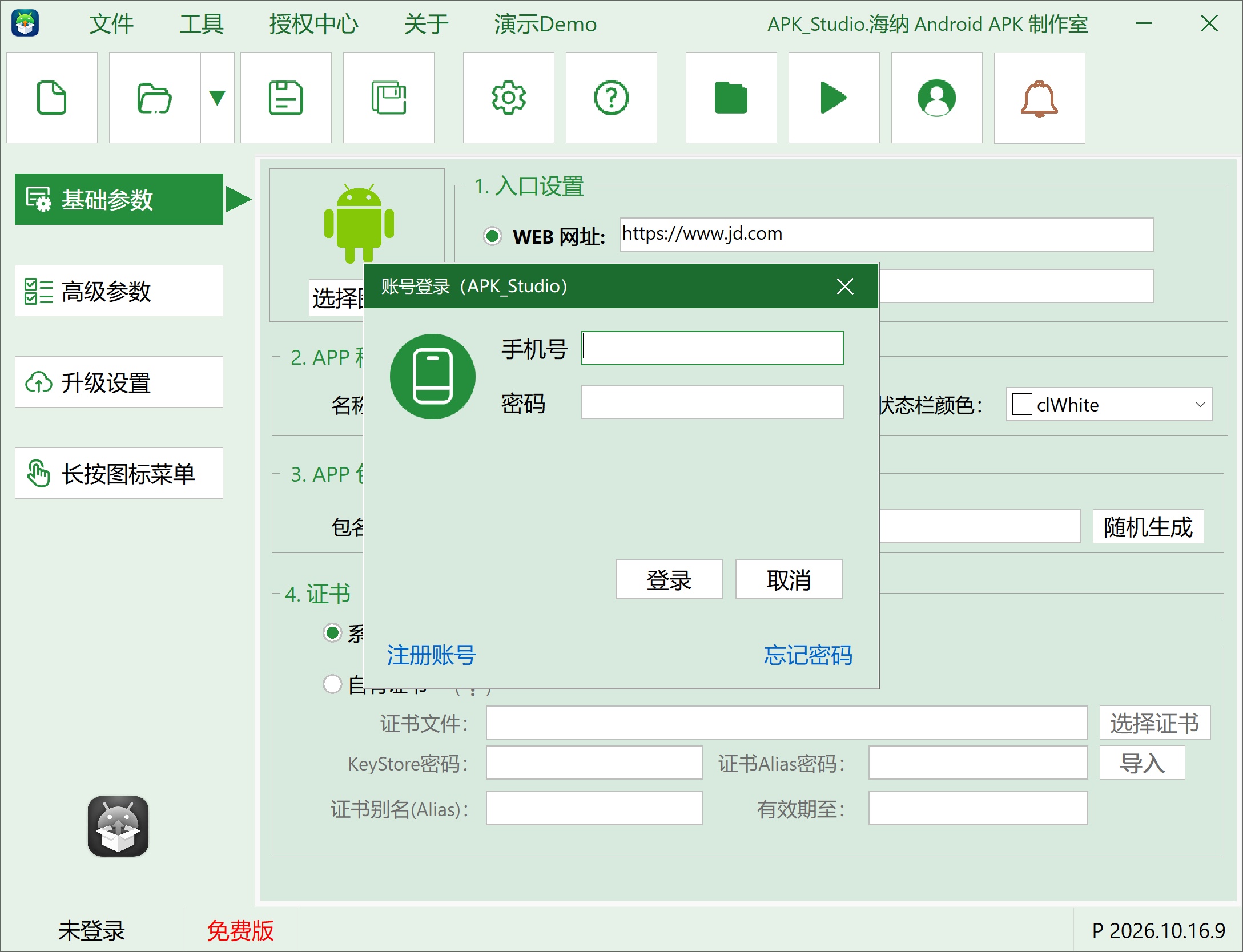
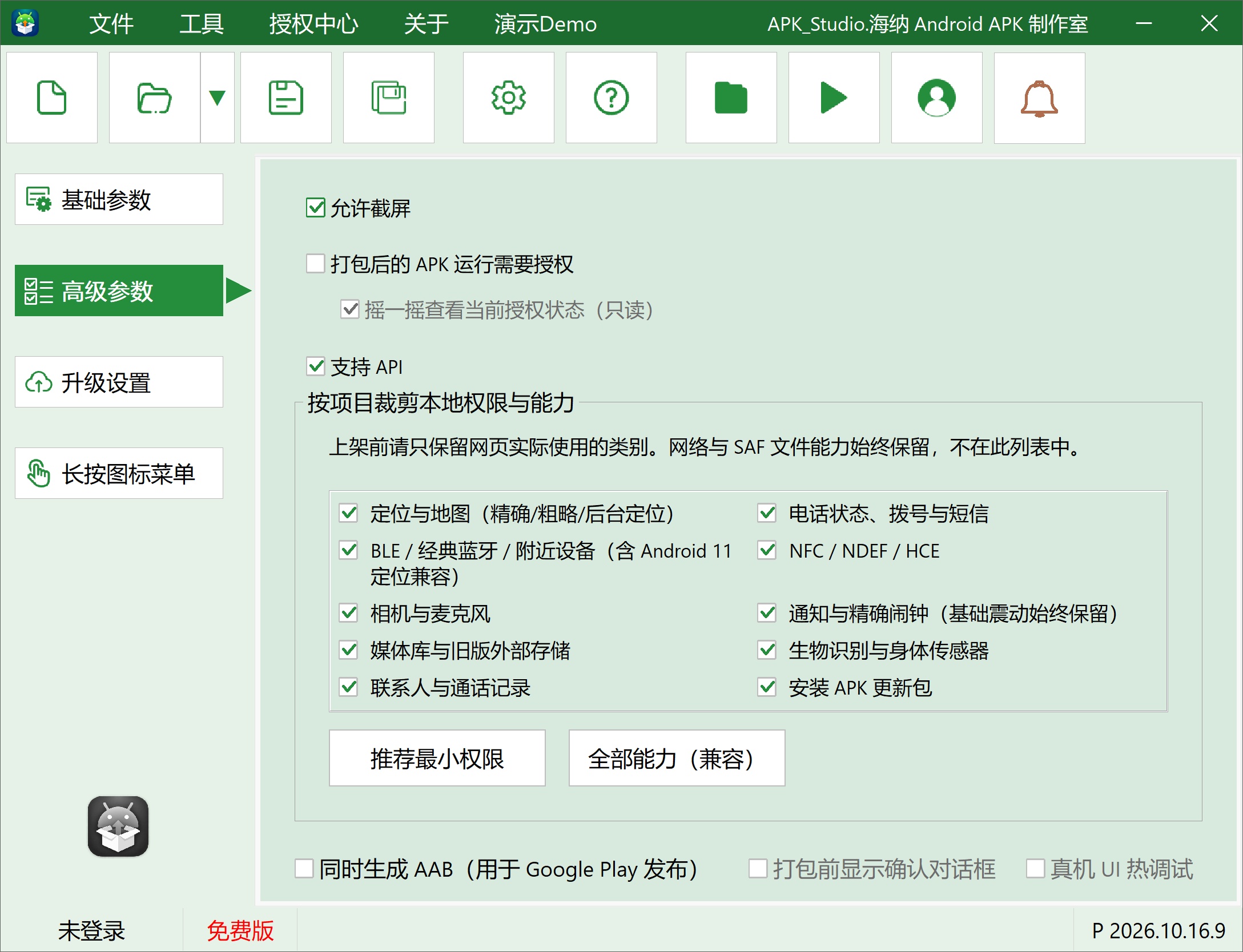
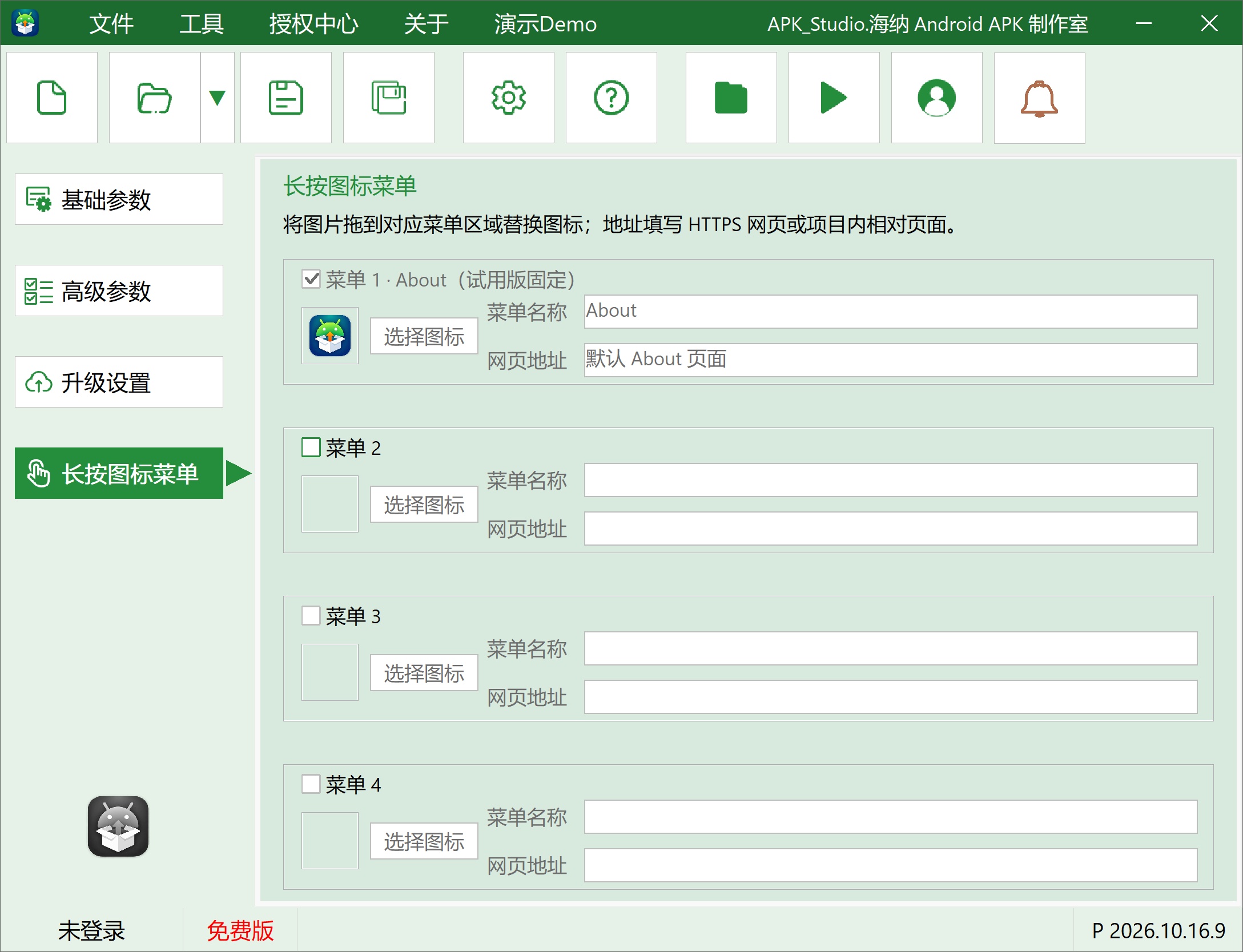
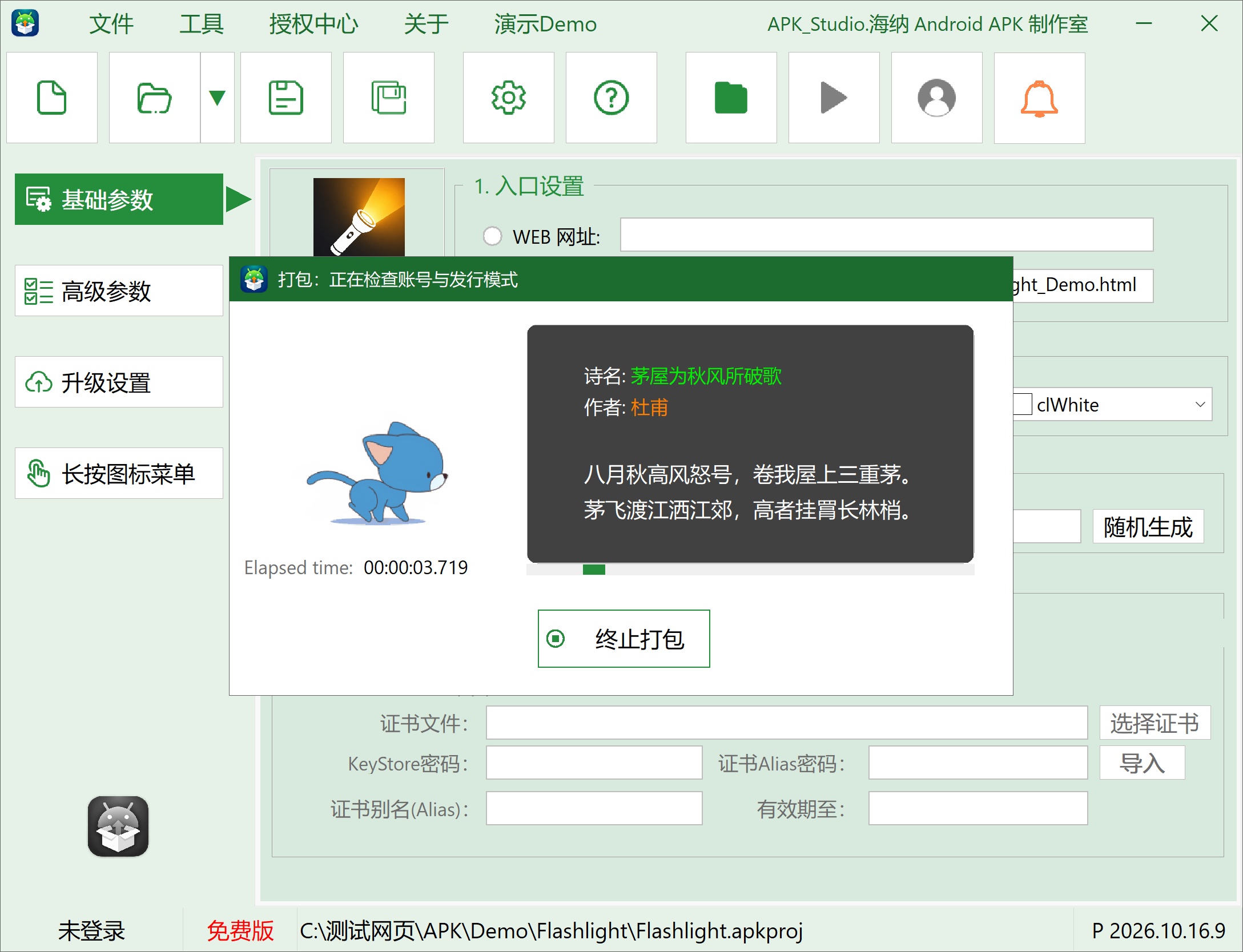
Screenshots may show the Chinese interface; available interface languages vary by product and version.
Compatibility & system requirements
Windows 10 or Windows 11, 32-bit or 64-bit
8 GB of memory or more is recommended.
Downloads & versions
Licensing & purchase
Single-Use License
RecommendedEach license allows one successful APK build.
- 1. Each license allows one successful APK build
- 2. A use is deducted only after a successful build
- 3. Activate within 3 days of receiving the activation code
5 次授权
可成功导出5次apk程序
- 1. 有效期:后台下发后30天内有效
- 2. 打包成功一次,扣除一次
- 3. 超过有效期未使用额度将作废
10 次授权
可成功导出10次apk程序
- 1. 有效期:后台下发后60天内有效
- 2. 打包成功一次,扣除一次
- 3. 超过有效期未使用完额度将作废
Day Pass
Valid for 1 days from approval and issuance.
- 1. Unlimited packaging for a full day (24 hours)
- 2. Time starts when activation succeeds
- 3. Activate within 3 days of receiving the activation code
月卡授权
Valid for 30 days from approval and issuance.
- 1. 后台授权成功开始30天内无限次打包;
Before you purchase
Prices are in CNY and payment is made using the WeChat QR code shown for the selected license plan. Licenses are delivered manually during published support hours in China Standard Time (UTC+8). Before payment, please confirm the license start date, reissue process after changing devices or reinstalling, refund conditions, and invoicing with support.
FAQ
Build & Release1. Can I use my own signing file?
Yes. In a project, you can select an existing signing file and enter its alias and other details to keep publishing the same application.
Web Content2. Are both local webpages and online URLs supported?
Debugging3. How should I troubleshoot a failed build?
First check the package name, signing information, and build-tool environment. The backend build log retains the specific error location.
产品使用4. 支持AAB打包吗?
系统支持AAB同步输出,需要勾选高级参数中的“同时生成AAB”
产品使用5. 系统支持打包后二维码下载吗?
支持!打包完成后,点击“手机扫描安装”即可,让手机扫描打开的二维码。
产品使用6. 支持 UI 热更新调试吗?
完美支持!
Quick start & installation
Create a project, enter the app name and package name, import your web content and icon, choose a signing configuration, then build.
Release notes
v2026.10.24.12026-10-24
2026.10.24.1
增加
1. 双指缩放功能;
2. 视屏播放全屏功能;
3. 增加第15个Demo-网页缩放和视频全屏
v2026.10.24.02026-10-21
2026.10.24.0 正式发布版本
带数字签名
v2026.10.18.02026-10-18
2026.10.18.0 首次发布