 Sea Tech

PDF_Lock goes beyond the security limits of conventional PDF readers, providing a copyright-protection solution that is fast to package, reinforced at its core, and secure and reliable for enterprise documents, educational courseware, eBooks, and sensitive technical materials.
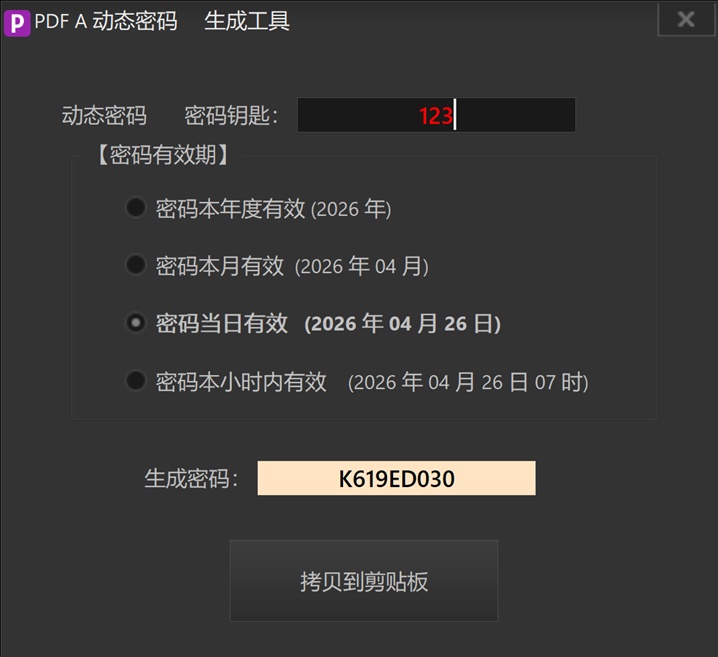
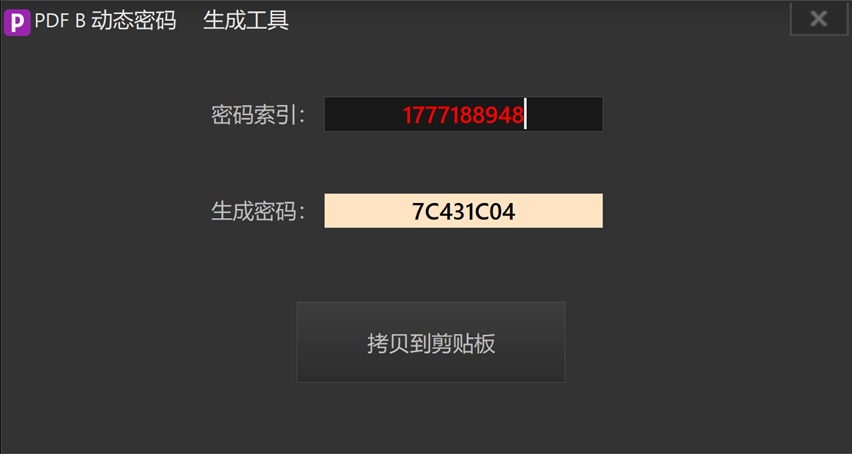
The generated EXE includes its own PDF rendering engine, so recipients do not need to install an additional reader. Combine fixed passwords, dynamic A/B passwords, and device-bound licensing to control the reading period, number of openings, printing, copying, and screenshots.
Key features
Kernel-Level Re-encryption
Based on in-memory decryption, it creates no physical temporary files at runtime and deeply obfuscates PDF data streams to reduce the risk of unauthorized extraction.
Dynamic Text-and-Image Watermarks
Supports both text and image watermarks, with adjustable opacity, size, and placement to deter physical leaks through photography or video recording.
Device-Bound Licensing
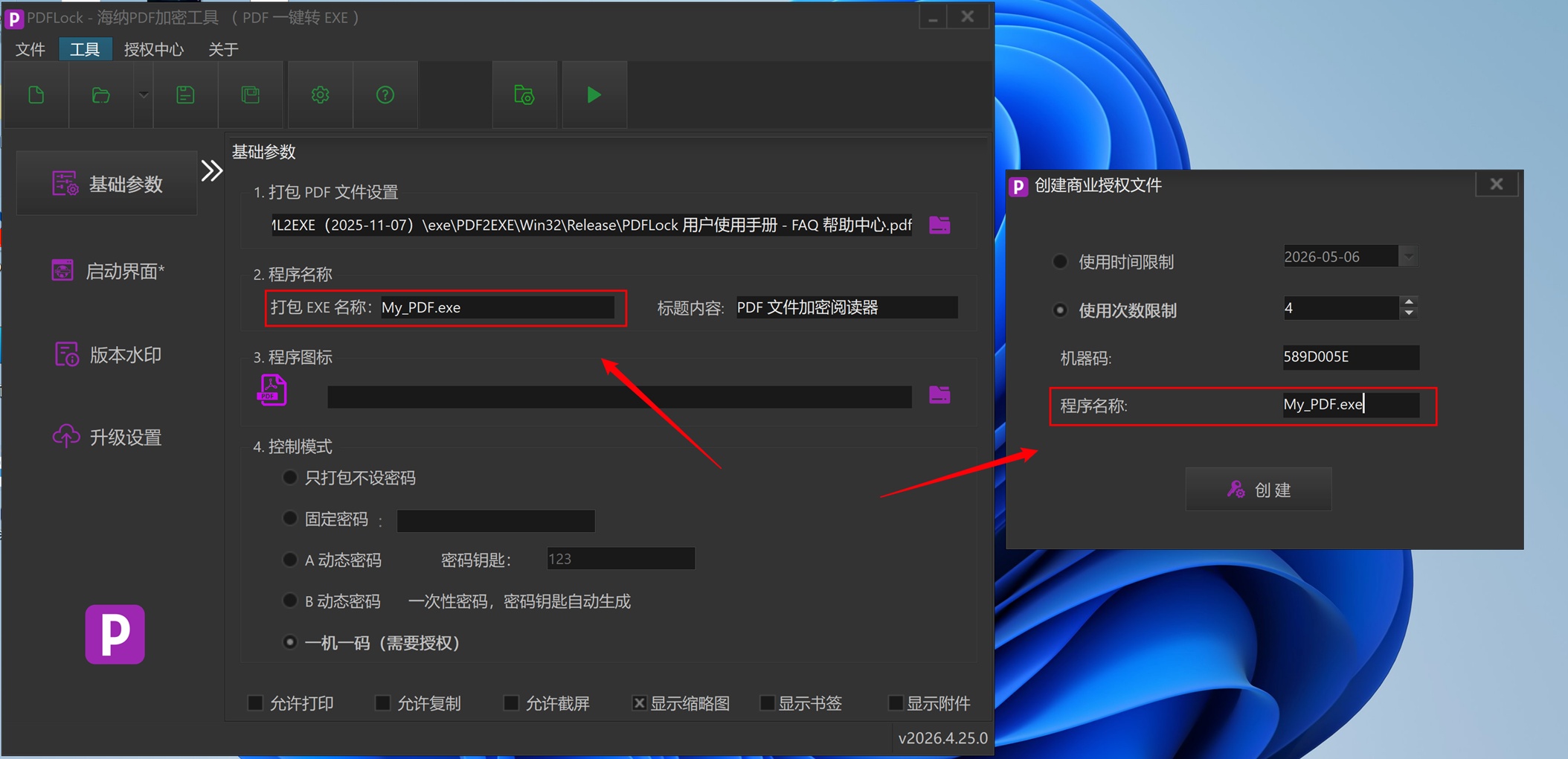
Supports offline machine-code binding, with licenses based on a usage period or number of openings, ensuring that documents run only on designated computers.
System-Level Screenshot Protection
Can block common system screenshot and screen-recording tools, while restricting printing and text copying to reduce the risk of unauthorized content distribution.
Online Content Updates
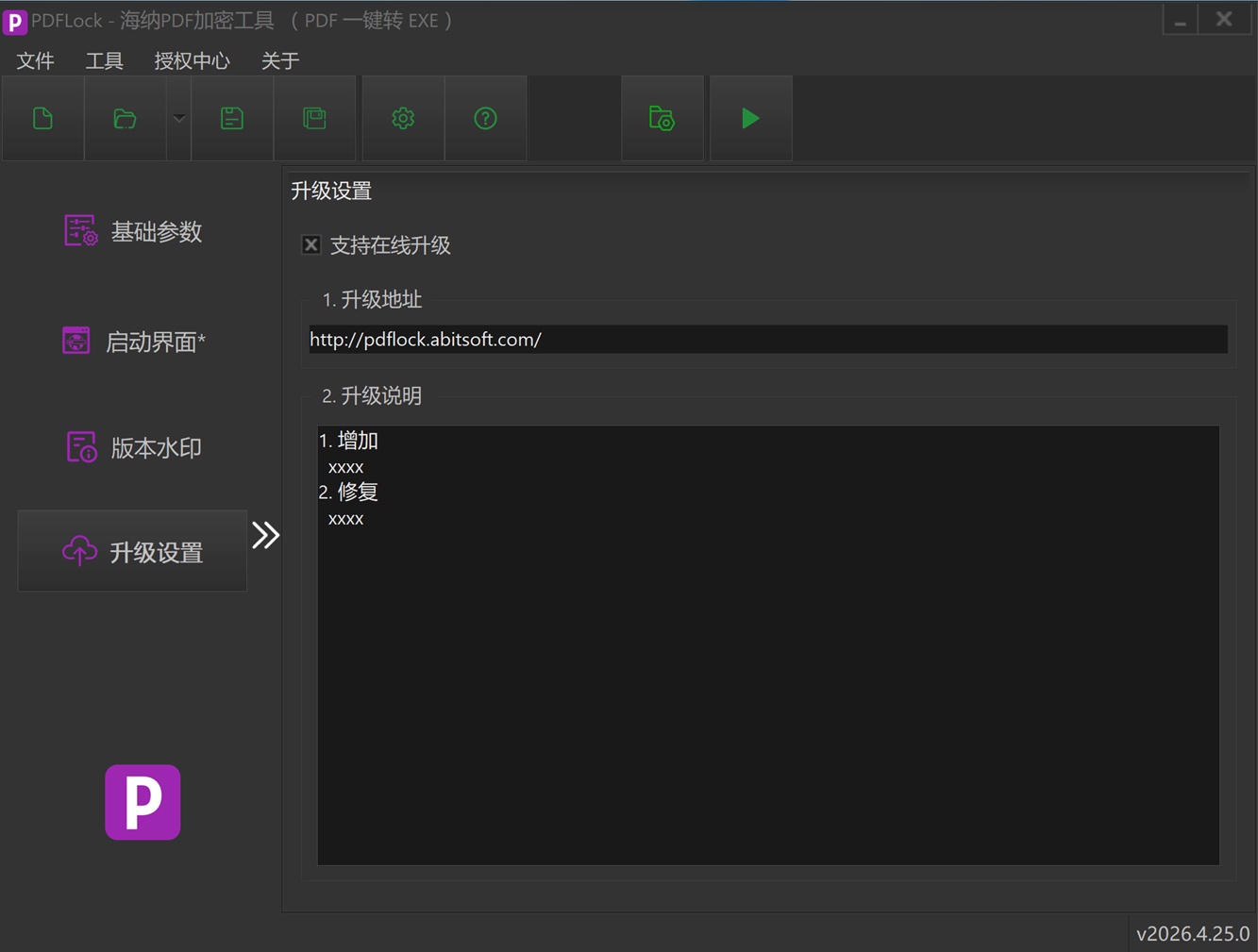
Supports online updates for distributed PDF content, so end users can receive the latest version promptly.
Custom Startup Screen
Configure the software logo, startup image, and copyright details to keep branding consistent and present required notices.
程序允许打开时长限制
程序打开后允许使用的时长,比如设置程序可以打开40分钟,那么40分钟时间到,程序将自动关闭,配合A、B密码模式,可有效管控PDF安全使用
支持纯打印模式
在纯打印模式下,浏览PDF文件的结构没有变,但是内容只显示页眉页脚,不显示真正内容,可以实现翻页等等功能。可以打印,打印会正常打印出全部内容,而且只能打印到物理打印机上,不能打印到虚拟打印机上。从而保证不能再复制一份PDF!
Screenshots
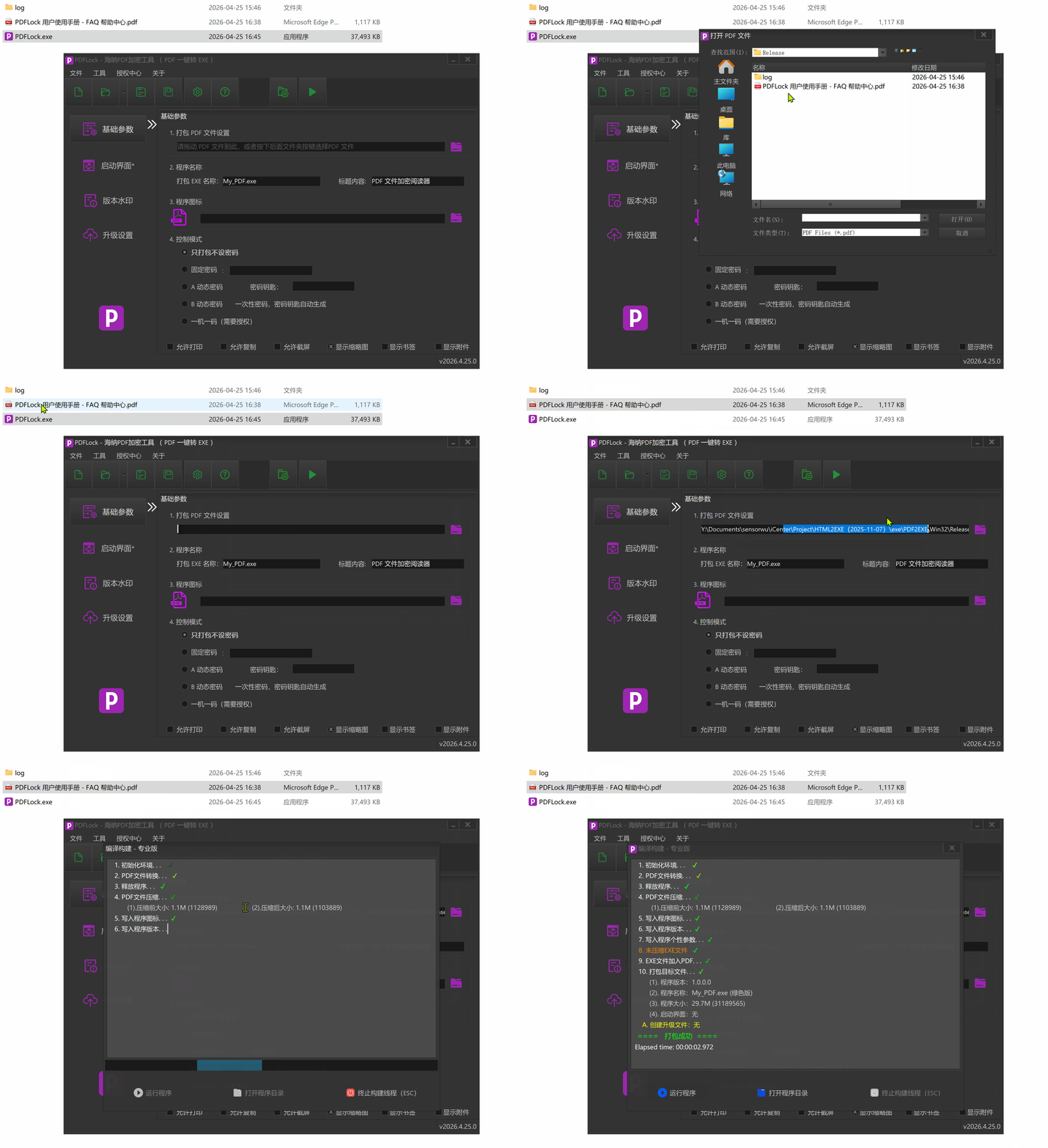
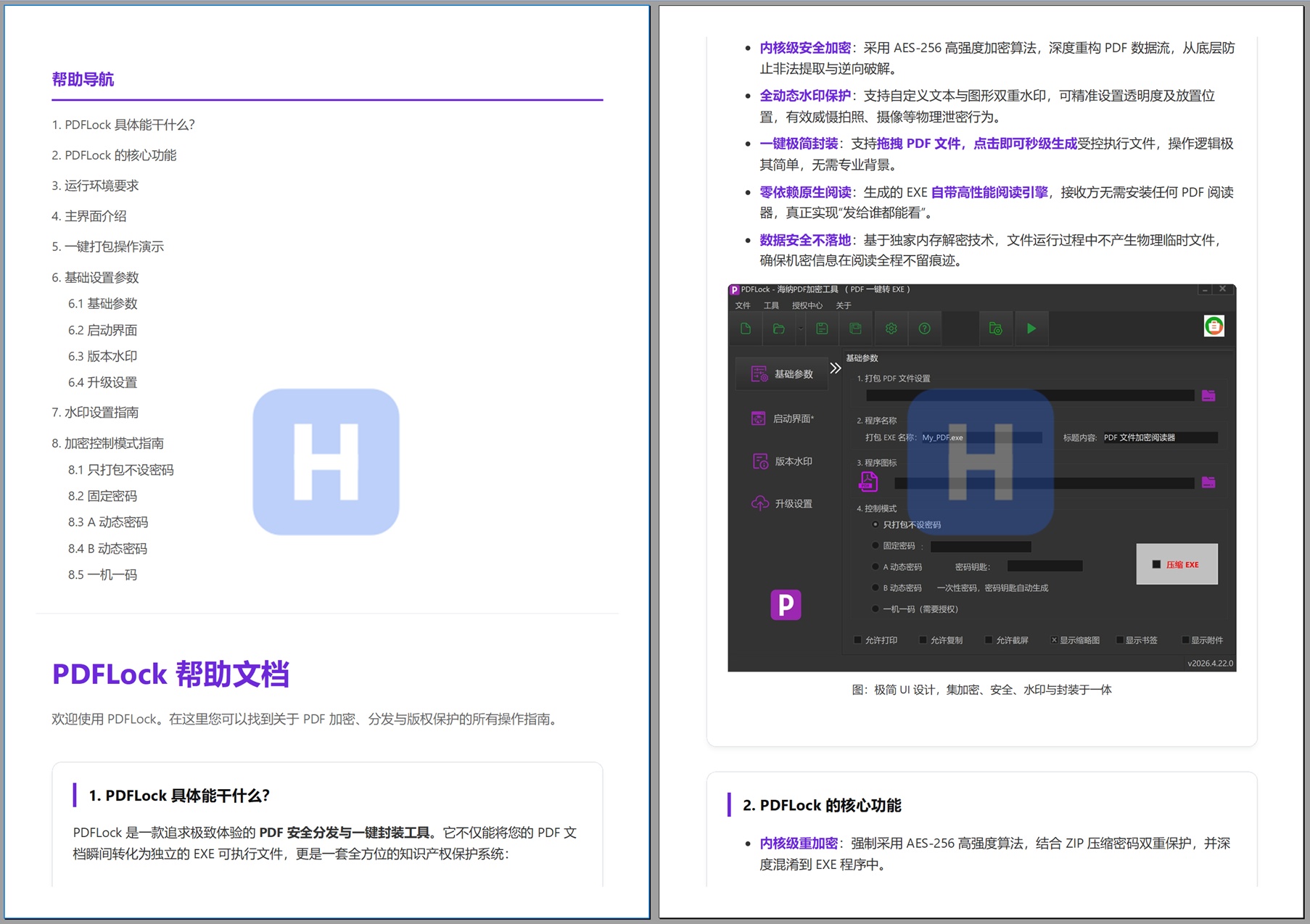
Screenshots may show the Chinese interface; available interface languages vary by product and version.
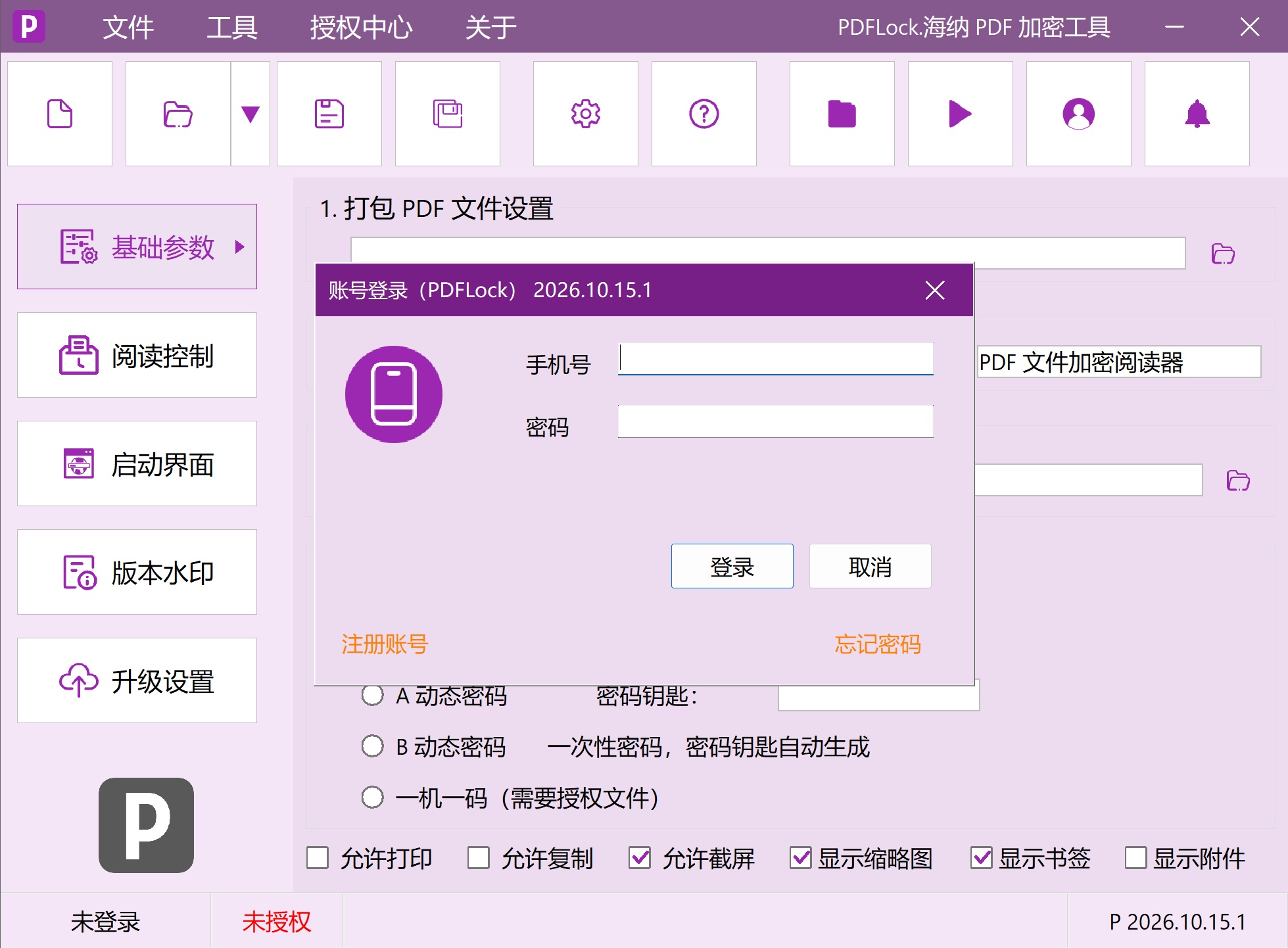

Compatibility & system requirements
Windows 7, Windows 8, Windows 10, or Windows 11
No Adobe Acrobat or other PDF reader required
An internet connection is required for online updates.
Downloads & versions
Licensing & purchase
Single-Use Express Pack
Generate 1 encrypted EXE file successfully.
- Ready to use immediately
- License uses never expire
- 1 use = 1 encrypted EXE file generated successfully
20-Use Value Pack
RecommendedGenerate 20 encrypted EXE files successfully.
- Unit cost: ¥3.90
- License uses never expire
- Deducted per successfully generated file
10-Use Top-Up Pack
Generate 10 encrypted EXE files successfully.
- Unit cost: ¥5.80
- License uses never expire
- Deducted per successfully generated file
Quarterly Membership
Valid for 1 days from approval and issuance.
- Save ¥46 compared with monthly purchases
- Unlimited packaging during the license period
Before you purchase
Prices are in CNY and payment is made using the WeChat QR code shown for the selected license plan. Licenses are delivered manually during published support hours in China Standard Time (UTC+8). Before payment, please confirm the license start date, reissue process after changing devices or reinstalling, refund conditions, and invoicing with support.
FAQ
Usage & Compatibility1. Does the recipient need to install a reader for the generated EXE?
No. EXEs generated by PDF_Lock include a dedicated PDF rendering engine. Recipients do not need Adobe Acrobat, Chrome, or other third-party tools—just double-click to read.
System Compatibility2. Which operating systems are supported?
Supports mainstream Windows operating systems, including Windows 7, Windows 8, Windows 10, and Windows 11.
Licensing & Purchase3. How do I activate the software after purchase?
支付完成后,请联系客服并提供付款截图和账号。客服核实后会在后台自动激活并微信通知。
Refund Policy4. How do I request a refund?
Quick start & installation
Drag in the PDF file you want to protect, then set the output filename, application title, and control mode.
Configure watermarks, the startup screen, version information, and online updates as needed.
Package the file to generate a standalone Windows EXE.
Release notes
v2026.10.24.22026-10-23
1. 在免费版的Splash页面增加“关闭”按键,可以立即关闭Splash窗体;
2. 修复了Division 这个bug
v2026.10.24.02026-10-21
2026.10.24.0 正式版本
带数字签名
v2026.10.18.02026-10-18
2026.10.18.0 最新版本
Privacy Policy
License information: When purchasing or activating a license, you may need to provide the machine code generated by the software and a payment screenshot to support, so that the order can be verified and the corresponding license issued.
Network access: Software downloads, online content updates, and license-related features may access the internet, depending on the features you enable.